
 Written by
Daniel van Hek
Search Clicks·October 14, 2026
9 min read
Written by
Daniel van Hek
Search Clicks·October 14, 2026
9 min read
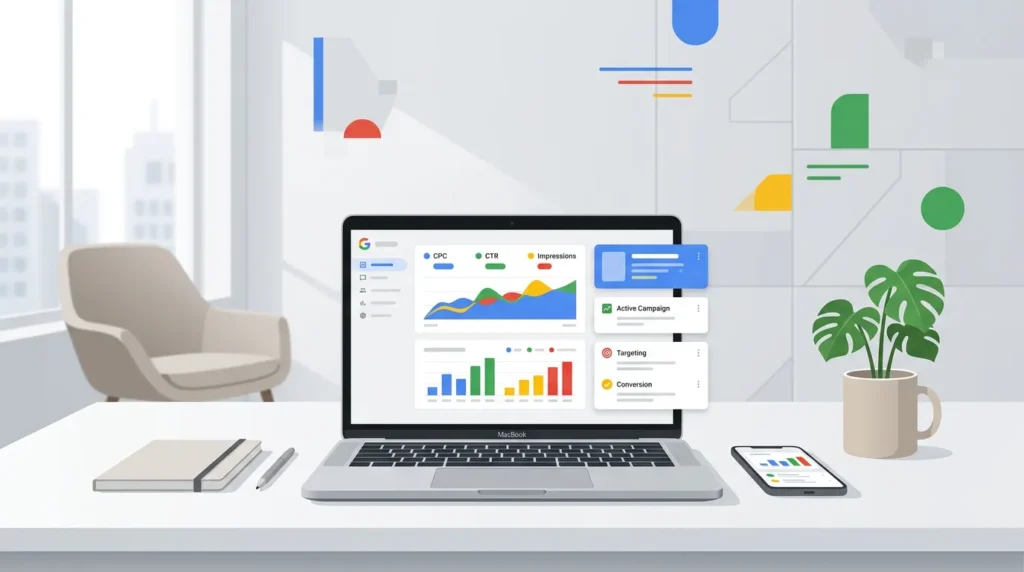
Grab a coffee. We’re keeping this practical. Google Ads advertising is a lot less mysterious than it sounds, once you approach it as a measurable system.
With Google Ads (Google Ads) you don’t buy “visibility”. You buy intent. People search for something, or they’re near something they’ll decide on later. Your job is to show the right message to the right audience at the right time, with a landing page that makes the next step feel obvious.
The reason this works in practice: you optimize based on behavior. You see what people do after the click. And if your conversion tracking is set up properly, you can gradually steer toward what matters to your business, not toward clicks just because clicks feel good.
Before you start clicking around, you need one thing clear: what counts as a truly valuable action for you? Think of a quote request, a demo request, a completed contact form, or a scheduled call. That becomes your conversion. Without conversions, you’re mostly guessing.
Google Ads offers different campaign types. For beginners, the most important thing is that each type optimizes differently:
If you’re just starting out, you’ll often see two routes:
Our recommendation when we start together: begin with what you can explain best to your client team and your sales process. So usually Search, or a limited set of campaign types, so you can learn what works.
If you’re still not completely sure where SEA ends and SEM begins, it helps to understand that difference clearly before you start allocating budget. You can read more here: SEA and SEM: explained clearly.
You can think of Google Ads as a set of puzzle pieces. If you place those pieces well, the rest of the work becomes much easier.
Google describes setting up a Google Ads account as a process with basic information, campaign goals and budget, plus payment details. (support.google.com) It sounds boring, but this is where mistakes happen.
Pay special attention to:
If you set conversion tracking up properly, you can use it as steering information. Google offers conversion tracking to understand which actions people take after interacting with your ads. (business.google.com)
For website conversions, you basically have three practical options:
Google explains that with Google Tag Manager you can set up conversion tracking by creating a conversion action and then using the Conversion ID and Conversion Label. (support.google.com) Google also explains that for a broader measurement setup, you can use GA4 and import goals or transactions into Google Ads. (support.google.com)
Practical tip: you want one source of truth. Otherwise, you’ll optimize based on data that doesn’t mean the same thing.
Choose one primary conversion that most closely resembles “value”. For example: lead received or booking started. Also measure micro-conversions, like form start, but use those as support, not as your main KPI.
Google also explains that conversions show valuable actions and that there are multiple measurement methods through Google Analytics 4 and Google Tag Manager or other methods. (developers.google.com)
Now for the real work. Your first campaign is often not meant to be “perfect”. Your first campaign is meant to collect data and teach you how your settings behave.
For many businesses, this order works well:
Why this works: you reduce the variables. That helps you spot faster whether the problem is in the keywords, the ad copy, the landing page, or the tracking setup.
Google Ads uses bidding strategies that optimize for conversions. Google has documentation on Smart Bidding and states that bidding strategies are tied to your goals. (support.google.com)
What you need to know in practice:
Trade-off: automation can move quickly, but it needs data. If your conversion tracking is still messy, we’re just speeding up the mess.
Your ad promises something. Your landing page has to translate that promise exactly into proof, context, and the next step.
In concrete terms:
Why this works: people usually don’t click for “information”, they click for a solution. If your landing page is too broad, the right visitor drops off.
If we go live together, we keep the measurement plan simple and useful. No dashboard marathons.
You look at:
You make adjustments based on signals, not gut feeling. But fast enough to learn, otherwise after a month you’re still a researcher with coffee stains.
Google Ads gets better when you optimize consistently. Not every hour. Every week, with a fixed rhythm.
If you want to test, test one hypothesis at a time. For example: “This ad copy converts better because it is more specific for our ICP.”
Trade-off: testing too many things at once makes your conclusions unclear. Then you learn nothing, but you still spend budget.
Many sales cycles are not one click, one purchase. With remarketing, you can keep the conversation going.
But watch out: remarketing without clear segmentation turns your campaign into a chatter box. Segmentation by behavior is key: people who started a form react differently from people who only viewed a page.
And measure everything: conversions per segment, so you don’t keep paying for “warm behavior” that never produces real value.
Be honest with yourself: if the measurement setup is wrong, you can’t give a fair judgment on campaigns either.
If you want to start today, do this. Short, focused, actionable.
If you do this, you’ll have a quick answer to the real question: “Are we getting value from our campaigns, or not yet?”
Google Ads advertising comes down to three things: buying intent (campaign type and targeting), delivering on the promise (matching ad and landing page), and measuring behavior (conversion tracking is truly set up properly). If you set that up tightly, you can then optimize weekly instead of guessing monthly.
So grab your primary conversion, get tracking in order, start with Search, and build from there. And if something is wrong in your data, fix that first. Then everything else suddenly becomes a lot easier, even on a Monday morning.
Book a free strategy call and discover how many leads we can generate for your business. No obligations — just a concrete growth plan.
Book your free strategy call → Book your free strategy call — 30 min, no strings attached