
 Written by
Daniel van Hek
Search Clicks·August 11, 2026
11 min read
Written by
Daniel van Hek
Search Clicks·August 11, 2026
11 min read
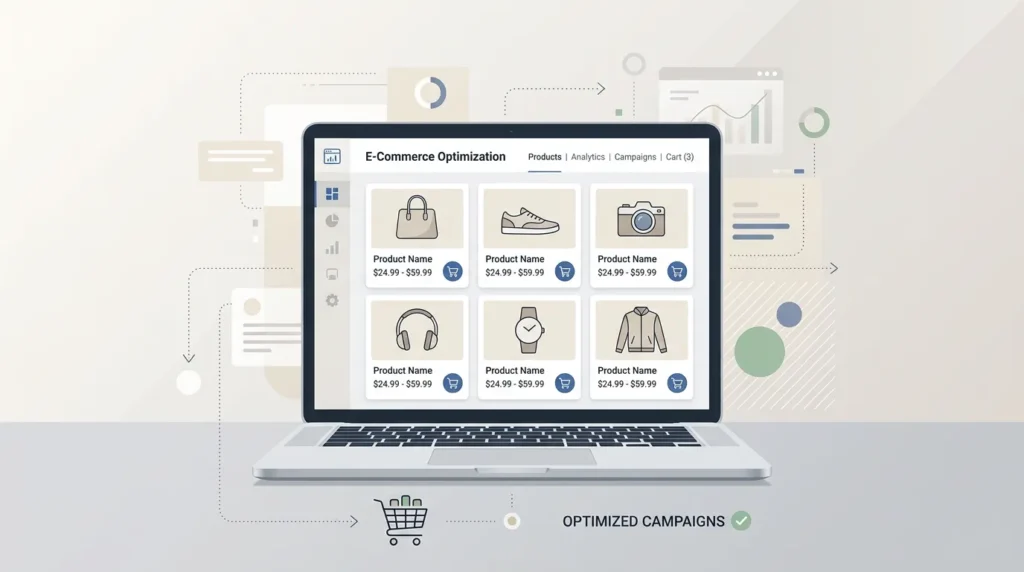
Google Ads Shopping is ecommerce advertising where your products are central. You do not advertise on separate keywords. You let Google match your product data with relevant shopping searches. Instead of writing ads for every term, you make sure your product feed is strong enough to be featured when people search for what you sell.
That sounds abstract, but the strategy is simple: we improve the product data, the product experience on the landing page, and the campaign structure. Then the right shopper is sent to the right product page, and your chance of a cost-efficient conversion rises (in your KPI, not in someone’s spreadsheet hype).
To do that properly, you need to know the basics:
Google also explicitly states that you must submit your product data before you can use Shopping ads. (developers.google.com)
To be honest, the feed is the real campaign budget. Not because we want everything to look the same, but because feed quality determines whether your products are eligible to show and how well Google can understand them.
Google states that in the Merchant Center product feed you provide your product information so Shopping ads can promote your inventory. (support.google.com)
What we do in practice for better performance:
Google also provides guidelines to improve product data so your products stand out more effectively. (support.google.com)
Shopping ads have policy and quality expectations. Google emphasizes that Shopping ads must be “high professional and editorial” to give customers a good experience. (support.google.com)
In practical terms, this means:
Feed optimization is not a “do it once and done” task. It is cyclical work, just like testing landing pages. You build a recurring routine:
In its own documentation, Google also works with the idea that you should use your product data to show and optimize Shopping ads. (support.google.com)
You can set up Shopping campaigns in different ways. The best choice depends on your catalog and your goal. But there is one common thread: you want segmentation that allows you to steer toward profitability, not just clicks.
Google explains that you manage Shopping ads through Shopping or Performance Max campaigns, and that product feed inventory is what is used within Google Ads for product surfaces. (support.google.com)
What we turn that into in practice:
This is a recommendation based on execution experience. The optimal choice differs per business. That is why we usually test with a clear measurement setup and short learning sprints.
In practice, we see that with a simple, consistent structure you learn the most. Think of:
Why this works: Shopping ads use product attributes for matching, and your campaign setup determines how you can make adjustments. (support.google.com)
You can only optimize intelligently if you know what converts. Make sure you:
If your measurement is messy, optimization often feels like guessing with better reports. Not ideal; we prefer to keep it to data.
Here it gets concrete. You want to know what you adjust in the feed and why that affects your Shopping performance.
Google indicates that you should use your product feed to support relevant product matching. (support.google.com)
What often makes the difference in practice:
You can use labels in the feed to build segments. The idea: you make it easier to steer your campaigns based on product characteristics that matter to you, such as margin tier, seasonal items or origin.
Trade-off: label structure without a measurement plan only makes things more complicated. So choose a maximum of a few segmentation dimensions and work them into your KPIs.
A classic mistake is only optimizing once you have found search terms you did not want. That can work, but you waste budget. It is better to work proactively:
This is not an “instant fix”, but it is usually the fastest route to better spend efficiency.
You can have a perfect feed, and still lose conversions because of a landing page that does not match intent.
This sounds basic, but it is often the bottleneck. Your Shopping ads turn purchase intent into visits. After that, your site has to convince those visitors.
CRO (Conversion Rate Optimization) should be linked to a KPI. Tests like these often work:
We avoid “mysterious” optimizations. Every test needs a hypothesis and a measurement plan.
Shopping ads are often direct traffic with strong intent. SEO (Search Engine Optimization) helps you capture that same intent organically and build brand and product authority. If your ecommerce site is not yet tight, you can work in parallel on the basics that support leads and conversions.
If you want, you can read this for the practical side of SEO and lead generation: SEO agency: this is how to approach it smartly for more leads.
Let’s make it concrete. Below is a plan we often use to find quick improvements without overhauling everything at once.
Google indicates that you must submit product data before Shopping ads work. (developers.google.com)
Google explains that Shopping ads are managed with product attributes from your Merchant Center data feed. (support.google.com)
We do not promise miracles. But we do maximize the chance that you learn with minimal waste. That is how campaigns like this really mature.
You can do this in-house if you have the time and affinity for product feeds, ecommerce tracking and CRO. But many teams get stuck on three points: feed data quality, technical tracking, and translating performance data into concrete changes.
If you notice that you are mostly putting out fires, then it helps to choose a structured approach. For example, you can also look more broadly at how an internet marketing agency works and which specialisms fit your situation: Internet marketing agency: services, specializations and choices.
If you are looking for a partner specifically for SEO, you can use this as a guideline: SEO agency: how to choose the right partner.
And because ecommerce is often also about channel combinations, it is valuable to understand how other marketing channels work in lead generation. Think of: Facebook ads: complete guide for more leads and sales or Meta Ads: complete guide for more leads and sales (2026). (You do not have to do everything at once, but you do want to know what you set up and why.)
If you also want to build the traffic side, a solid website foundation can help. This is a practical start: Create a website: from plan to conversion, step by step.
Finally, if your organization wants to work more structurally with marketing processes, it helps to understand how inbound and funnel activity translates into conversion. For example: Inbound marketer: role, skills and responsibilities and Inbound marketing strategy: from awareness to conversion.
If you also need remarketing and follow-up toward customers, an email journey often helps recover lost intent. You can use this as reading material if you like: Email marketing agency: outsourcing pays off, practical advice.
If you want to organize multiple channels, tracking and CRO under one roof, that can fit your scale. In that case, you can look at: Full service marketing agency: everything under one roof (2026).
If you only do one thing today, make it this: make your Merchant Center product data reliable and segmentation-ready. Only then do you optimize campaigns and landing pages. That is the order that delivers the most return, because it removes the biggest friction from the system.
Our recommended next step:
Google Ads Shopping is not a trick. It is a system of product data, intent matching and conversion execution. You do not have to have everything perfect. But you do need to be consistent. And honestly, that is something we in marketing can always help with. Now: take that feed and make it better. Then the rest will follow naturally.
Book a free strategy call and discover how many leads we can generate for your business. No obligations — just a concrete growth plan.
Book your free strategy call → Book your free strategy call — 30 min, no strings attached